
TOMMY Zero
Turn Wi-Fi devices into
presence sensors.
TOMMY Zero is a Wi-Fi sensing system that uses Channel State Information (CSI) from Wi-Fi packets to turn existing devices into presence sensors. It runs on your own hardware and all sensing data stays on your local network.
Try it for free. Pro is a one-time license with a 30-day money-back guarantee. See pricing →
Install
Prepare two devices and the server.
You need two supported devices and the TOMMY Zero server to get your first zone running. The devices sense the space. The server coordinates them and serves the dashboard.
You need two supported devices
Buy two ESP32 boards, or use ESPHome devices you already own.
Opens Home Assistant Supervisor and pre-fills the TOMMY repository.
Hardware
Dedicated devices or existing devices in your home.
TOMMY Zero runs on most ESP32-based devices, from development boards to Shelly relays. There is no proprietary sensor to buy. The one hard requirement is that every device in a zone uses the same Wi-Fi band, either 2.4 GHz or 5 GHz. The ESP32-C5 and C6 detect stationary presence, while older chips detect motion only. On any chip, an external antenna picks up more than an internal one.
There are two ways to set up a device. You can convert a board into a dedicated sensing device using the TOMMY Flasher, or add sensing to an existing device using ESPHome.
Dedicated devices.
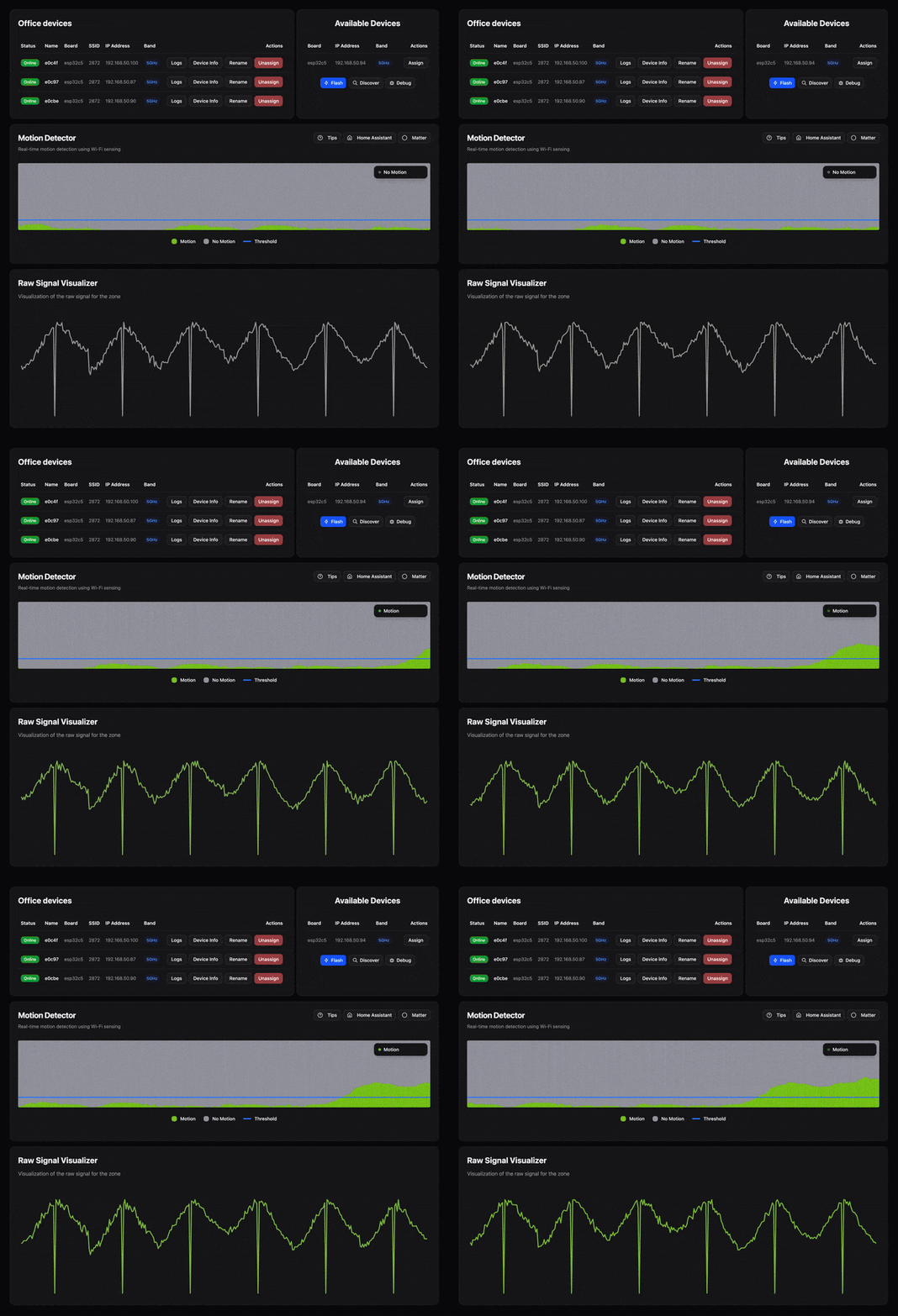
Plug the board in over USB, flash it from the dashboard, fill in a few details, and it comes up as a dedicated sensing device.
TOMMY Flasher · dashboard
A board in an outlet
Plugs in wherever you have an outlet.
The ESP32-C5 is the strongest chip for TOMMY Zero. It has the most capable Wi-Fi radio, and it is the only one that supports 5 GHz. We recommend the Seeed XIAO because it includes an external antenna, has a small form factor, and is low-cost.
Existing devices in your home.
Anything that runs ESPHome on a supported board can run TOMMY Zero alongside it. Hardware already in the home keeps its job and starts sensing too if you add the TOMMY Zero external component to your ESPHome config.
ESPHome · YAML config
A relay inside the wall
Wires into a light switch box, always powered, completely hidden.
Currently the best in-wall relays are based on the ESP32-C6, which is the second best chip for TOMMY Zero. It is not quite on par with the ESP32-C5, but a relay hides completely in the wall, stays permanently powered, and takes up no wall outlet. We recommend the relays below, since flashing ESPHome onto them is fairly simple.
This list covers dedicated devices and ESPHome devices. On ESPHome, any product internally based on the chip counts, like a Shelly Gen4, which is built on the ESP32-C6.
Zones
Define a zone by placing devices.
A zone is the space between the devices you assign to it. Put two devices at opposite ends of a room and the zone covers that room. Place them further apart and the zone covers more.
A zone is not limited to one room
Because Wi-Fi passes through walls, furniture, and floors, detection covers everything between the devices. One zone can cover multiple rooms, an entire floor, or reach between floors to cover a whole house.
Devices can stay out of sight
Detection does not depend on seeing the room, so a device can go wherever it fits. Put one inside a cupboard, behind the TV, under a sofa, or in a switch box, and the zone works the same.
Topology
Choose how your zones are covered.
Every transmitter-receiver pair in a zone forms a sensing path through the room. Topology sets how those paths are laid out. Star fans them out from a single transmitter, while mesh crosses the zone from nearly every device. More paths cover more of the room, at the cost of extra Wi-Fi traffic.
A single device is the dedicated transmitter. Fewer sensing paths than mesh, but the least airtime and network bandwidth. If the transmitter goes offline, another device takes over automatically.
All but one device transmit, each covering a single direction. Covers every sensing path once, but not bidirectionally.
Performance Mode
Tune how much detail zones capture.
Performance mode controls how aggressively devices transmit. Higher modes capture faster movements and micro-movements like breathing, at the cost of more Wi-Fi traffic.
Minimizes network interference. May miss fast movements like quick entries into a room. Recommended for most users.
Increased transmission rate. Captures fast movements and micro-movements like running, breathing and keyboard typing.
Highest transmission rate. Maximum sensitivity.
Performance Mode
Higher modes increase sensitivity at the cost of more Wi-Fi traffic.
Network impact
Optimized for the least amount of network interference.
TOMMY Zero shares the channel with everything else on your Wi-Fi, so it is built to take as little of it as possible. Topology and performance mode set how much of the channel a zone uses. A 2-device zone in star topology on conservative mode uses 0.77% of a 5 GHz HE20 channel.
Only some devices in a zone transmit; the rest listen and forward their measurements. Topology controls the count, down to a single transmitter regardless of zone size.
Sensing packets stay small at a steady rate in conservative mode. Listeners forward compact signal data to the server.
The dashboard shows the estimated airtime your zones use per channel, broken down by zone, so you can verify the impact on your own network.
Wi-Fi channel utilization · star topology · conservative mode
Estimates for a 5 GHz HE20 channel. The dashboard shows live numbers for your setup.
Detection
Motion or presence.
Each zone runs in one of two detection modes. Motion detection works on any supported device. Presence detection adds stationary occupancy, including breathing and micro-movements, but requires specific hardware and configuration.
Walking, hand movements, sitting down, getting up. Supported on all devices and configurations.
Adds stationary detection through breathing and micro-movements, but requires specific hardware and configuration.
Optimal: ESP32-C5 on 5 GHz, 4+ devices.
Capable: ESP32-C6 on 2.4 GHz, 2+ devices.
Detection Mode
Algorithms
Pick the algorithm that fits your use case.
Wi-Fi signals pass through walls and reflect off surfaces, so presence from neighboring rooms can leak into a zone. For some setups that's exactly what you want. For others it's a constant source of false triggers. TOMMY Zero ships with algorithms that either lean into that sensitivity or try to contain it, with the default sitting somewhere in the middle.
Reduces false positives from outside the zone as long as the zone is separated by walls. May miss stationary presence.
Reliable detection within the zone with minimal leakage. The default choice for most zones.
Captures all presence detectable by the devices. May detect presence outside the intended zone.
TOMMY Zero vs mmWave
TOMMY Zero for most of the home, mmWave for the demanding spots.
TOMMY Zero adds presence sensing to ESP32 boards you may already have, like ESPHome devices around your home or boards collecting dust in a drawer. Wi-Fi passes through walls, so the boards can stay out of sight, and two of them can cover several rooms or a whole floor. mmWave sensors use a much higher frequency that walls block most of, but it lets them pick up more subtle breathing and draw tighter zones.
Start with TOMMY Zero in most of your home, where people are rarely completely still, and add mmWave only where very subtle breathing is expected, like in bed. That keeps the number of sensors low, and only a few of them need to be in plain sight.
How mmWave and Wi-Fi sensing compare →7 visible mmWave
5 hidden ESP32 and 1 visible mmWave
Home Assistant Integration
Each zone is an entity in Home Assistant.
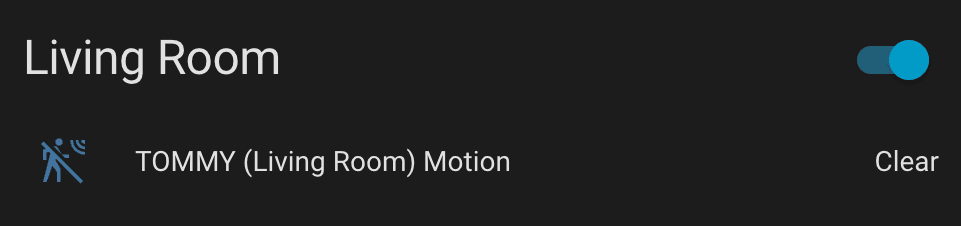
Install via HACS or as a custom component. Point the integration at your TOMMY Zero instance over MQTT. Each zone you create in the TOMMY Zero dashboard appears automatically as a motion sensor entity, syncing in real time as you add, rename, or remove zones.
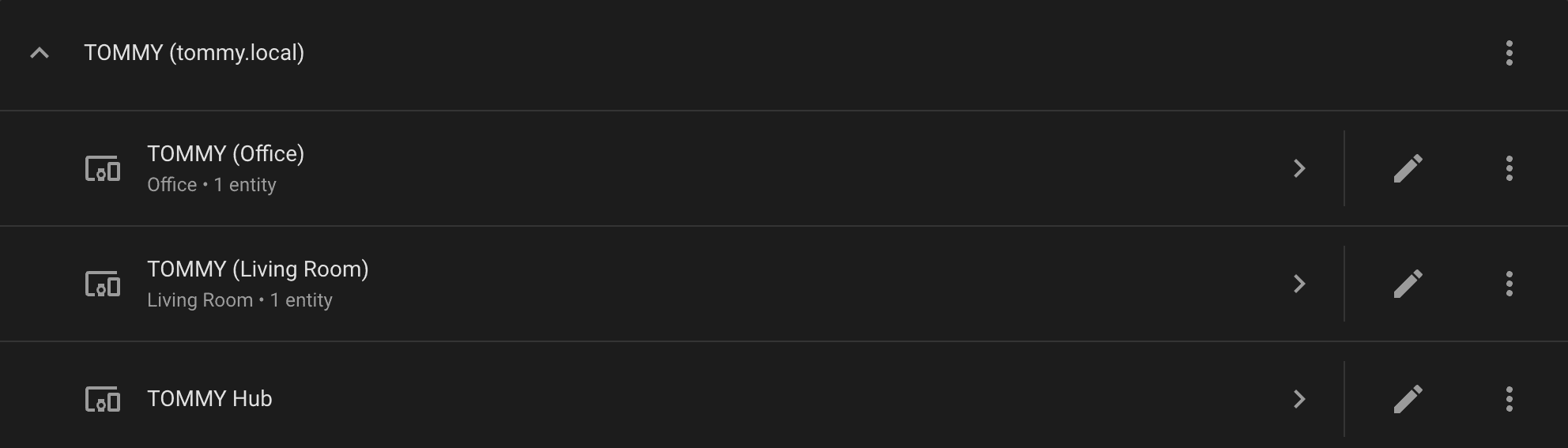
INTEGRATION
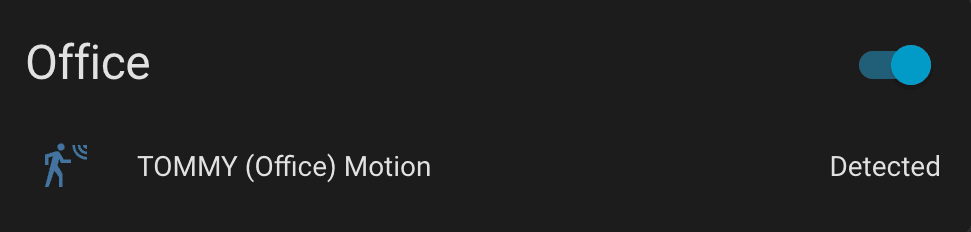
ENTITIES
Matter Integration
Pair with any Matter controller.
Each zone can also be exposed over Matter as an occupancy sensor. Generate a QR code from the dashboard and pair it with Apple Home, Google Home, SmartThings, Home Assistant, or any other Matter-compatible controller. Setup codes are also provided for manual entry and re-pairing.
Matter pairing
Setup code
1234-567-8910
Videos
See it in action.
Walkthroughs from the Home Assistant community. Setup, zone configuration, and use in real homes.
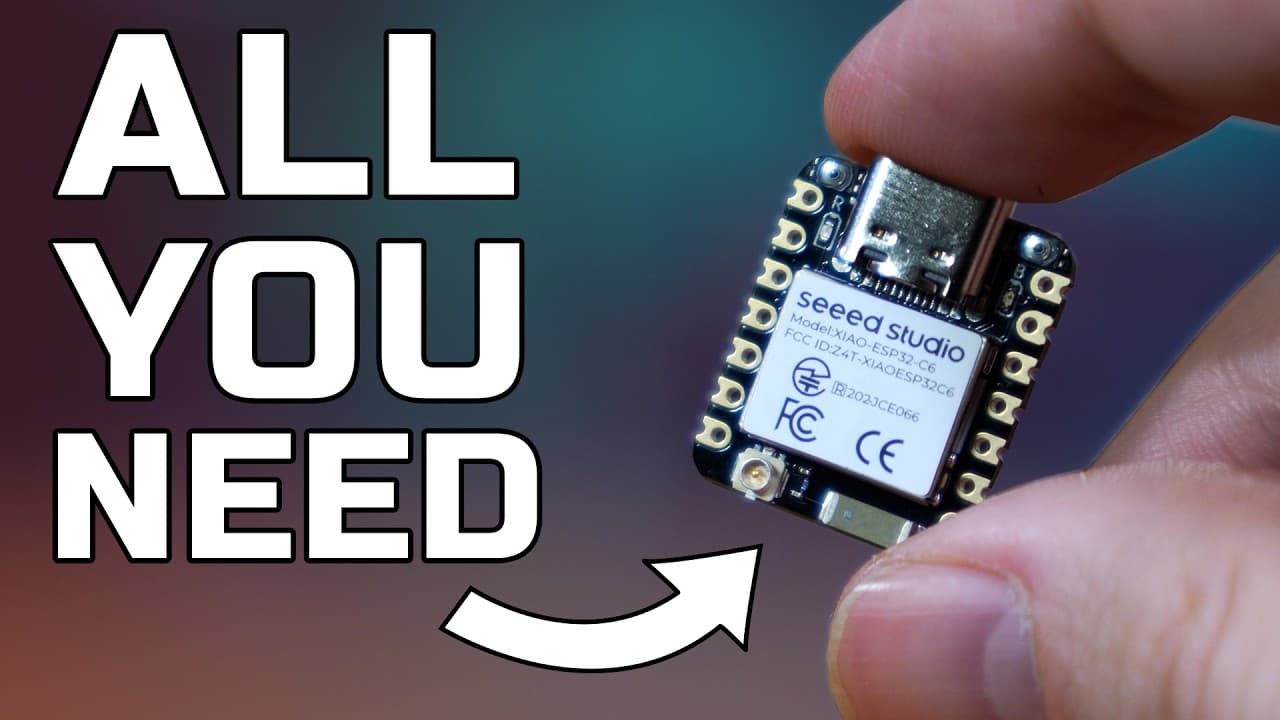
Make your own Presence Sensors for CHEAP! TOMMY Sense TESTED →
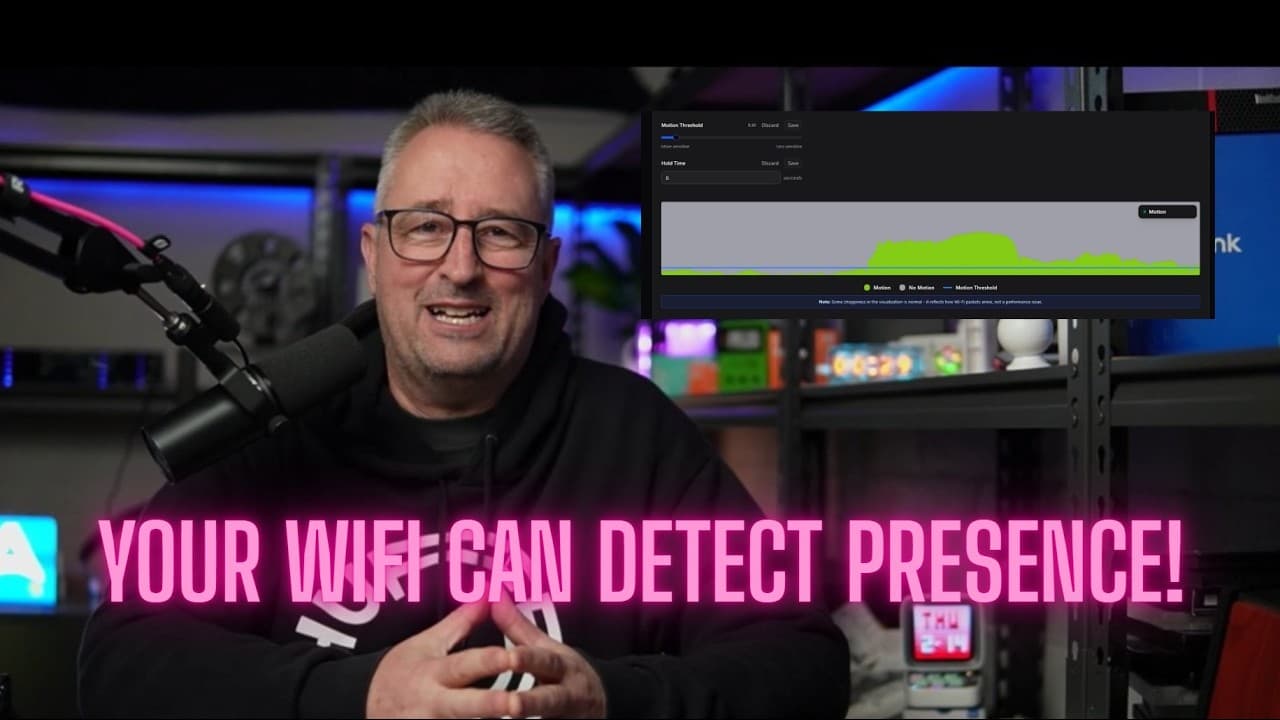
Wi-Fi Sensing for Home Assistant! →
Unsichtbare Präsenzerkennung: Revolutioniert TOMMY Home Assistant? →
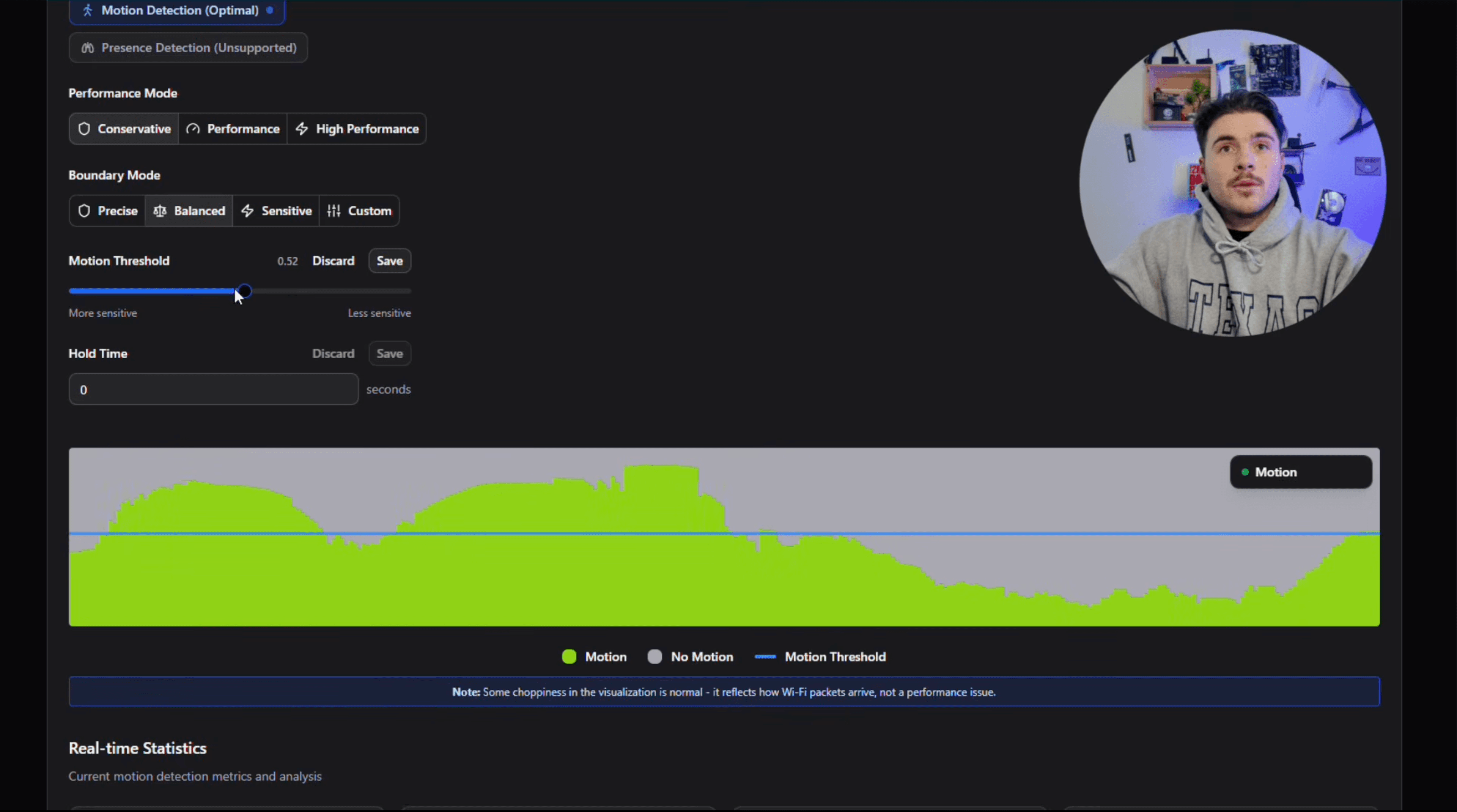
Ce capteur ESP32 détecte ta présence sans caméra →
Pricing
Test detection in your home. Upgrade when you're ready.
Detection pauses 1 minute every 2 minutes. Use this mode to test detection in your environment before upgrading to Pro.
- 1 zone
- Unlimited devices
- Home Assistant integration
- Matter integration
- Community support
A lifetime license for the full functionality of TOMMY Zero. For personal home use only.
- Unlimited zones
- Unlimited devices
- Uninterrupted detection
- Home Assistant integration
- Matter integration
- Community support
Commercial use is not permitted under the standard license. If you're looking to deploy TOMMY Zero in a commercial context, get in touch at info@tommysense.com with a short description of your use case.
Things worth knowing.
TOMMY Zero is closed source, and it needs an internet connection to check your license. For a company building privacy-focused Wi-Fi sensing, those are the two biggest weaknesses of this product.
Closed source means you can't read the code, so you can't see for yourself that your sensing data stays on your network, and the online license check means that if TOMMY shut down and our servers went away, the software you paid for would stop working.
We limit both risks in a few ways, described below, but you may still find them to be a dealbreaker. If so, TOMMY Zero may not be for you. Our upcoming TOMMY One may be a better fit, and there are also open source Wi-Fi sensing projects without these constraints. We are bootstrapped with no VC funding and work on TOMMY full time to make it a polished product we are proud of and want to use in our own homes. License sales are the only thing keeping us afloat.
The problem is that TOMMY Zero is software only. You bring the ESP32 boards and the computer it runs on, so the software is the only thing we can charge for. If the code were open, anyone could remove the license check, and we have not found another way to fund full-time work. An offline license check would be ideal, but since TOMMY Zero runs as a Home Assistant App or a Docker container, identifying the machine underneath to bind the license is hard and fragile.
Many people choose TOMMY Zero anyway, and we owe it to them to keep both risks small. First, if TOMMY ever shuts down, we release offline activation for every purchased license, so your setup keeps working without our servers. Second, closed source code does not hide network traffic. Every connection TOMMY Zero makes to the internet can be captured and inspected like any other traffic on your network. For a motivated person, that takes about half an hour to set up, and there is no way for us to hide a connection from it. Most people won't bother, so we pay €250 to the first person who finds a connection in a release that our privacy policy does not document. If someone does, we fix it and publish the report. The program has run since June 2026, and no one has found one.
If you have any questions or concerns, you are welcome to join our Discord and ask us directly.
Join our DiscordA fully local, offline device.
TOMMY One is a standalone sensor we are developing. Because we provision each device, the license is stored on it, so everything runs locally without an internet connection.
Explore TOMMY One →A few projects do Wi-Fi or RF-based sensing, each with different tradeoffs in hardware, ecosystem, and capabilities. We've written detailed breakdowns of how TOMMY Zero compares.