
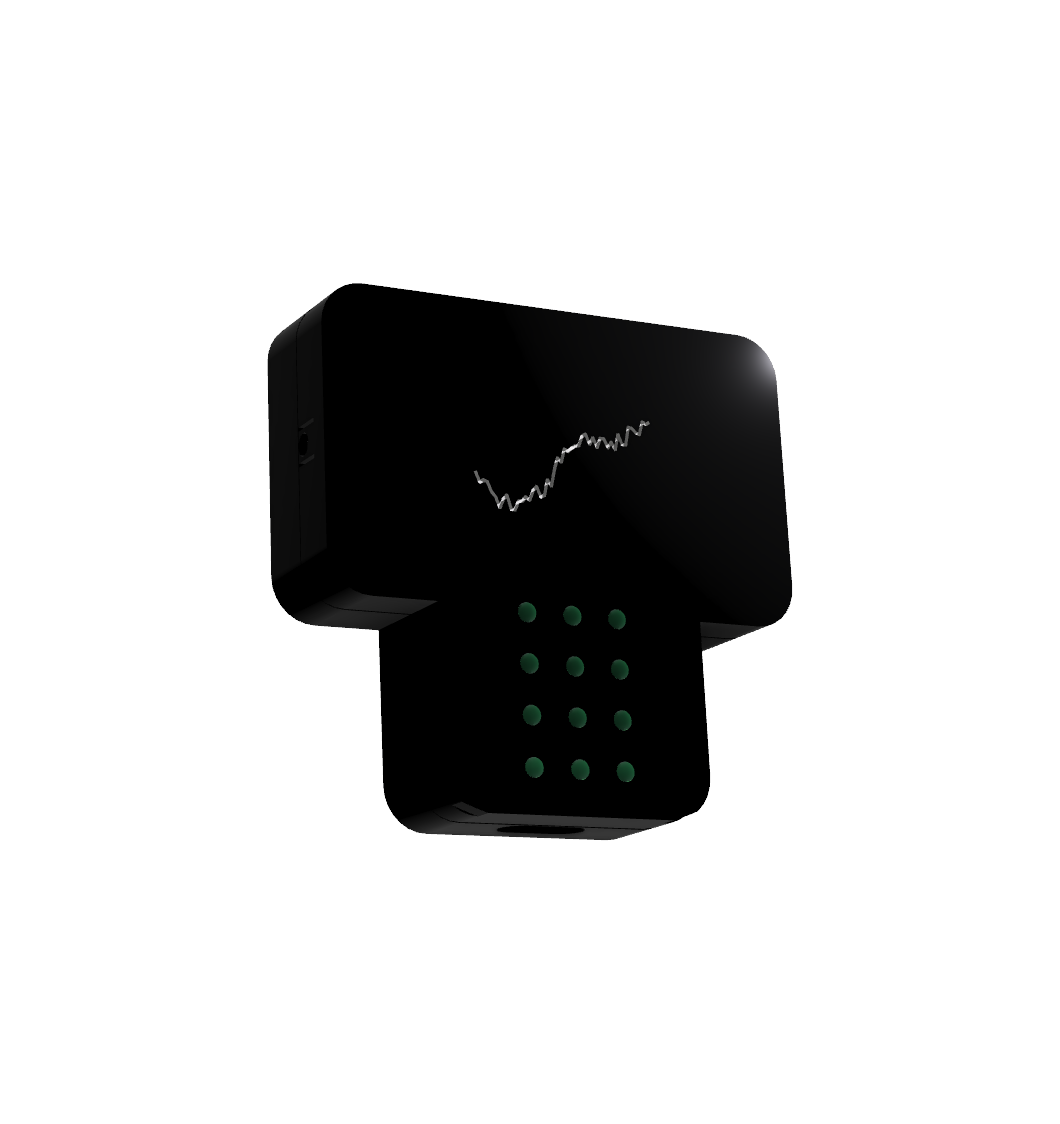
TOMMY One
PrototypeA multi-room presence sensor you can hide in a drawer.
TOMMY One uses Wi-Fi sensing to detect movement and breathing by measuring how people change the Wi-Fi signal in a room. The signal passes through walls and furniture, so TOMMY One does not need to be mounted in plain sight.
On its own, TOMMY One covers about 3 to 4 meters around itself. To reach further or into other rooms, it uses up to 4 Wi-Fi devices already in your home, like a TV or a speaker. It works completely offline and needs no hub.
Early access
TOMMY One is a prototype. Leave your email to get updates and early access.
We only email about TOMMY One. Unsubscribe anytime. Privacy policy
If you don't want to wait, TOMMY Zero is available today and turns your own ESP32 boards into presence sensors. Try TOMMY Zero →
In a closet
In a cupboard
In a desk drawer
Under a sofa
Placement
It works out of sight.
TOMMY One detects people by how they change the Wi-Fi signal. Because Wi-Fi passes through walls, furniture, and floors, it works without a view of the room and can sit in a closet, inside a cupboard, in a desk drawer, or under a sofa, with nothing mounted on a wall or ceiling.
Up to 4 passive devices
Passive devices
Uses the Wi-Fi devices already in your home.
On its own, TOMMY One detects presence within about 3 to 4 meters of itself. To cover a larger area, or to reach into other rooms, it uses up to 4 Wi-Fi devices that are already in your home, called passive devices. TOMMY One exchanges small Wi-Fi packets with each one and watches how the signal between them changes, so when someone moves or breathes along the way, TOMMY One notices. Nothing is installed on the passive device, and the extra traffic is light enough that it keeps working as usual.
Works with almost any stationary Wi-Fi device.
A device works as long as it can be kept awake. That is the case for most devices that are not battery-powered, like a TV, a game console, an oven, or a washing machine. Battery-powered devices sleep to save power at times TOMMY One cannot control, and phones and laptops move around, so they are a poor fit. To add a passive device, enter its IP address in the TOMMY One dashboard. You can find the address in your router's settings. Passive devices can be on 2.4 GHz or 5 GHz, and on any access point in a mesh network.
Detection modes
Three detection modes, from one room to the whole home.
TOMMY One runs in one of three detection modes. They differ in what they detect and how many zones you get. A zone is an area that shows up as one sensor in your smart home.
Mode 1
Presence in a single room.
No passive devices
1 passive device
Up to 4 passive devices
In this mode, TOMMY One detects people in the room it is in, even when they sit still. On its own, it covers about 3 to 4 meters around itself. If that does not cover the whole room, you can add passive devices across the room to extend the zone.
Like an mmWave sensor, but hidden.
Use it for presence in a single room, like you would with an mmWave sensor, without mounting a sensor in plain sight.
Mode 2
Presence through walls and floors.
A whole floor
Multiple rooms
The whole house
In this mode, walls and floors do not stop the zone. TOMMY One covers the space between itself and each passive device, plus about 3 to 4 meters around itself, even when people sit still. That can be a few rooms, a whole floor, or the whole house.
For areas where the exact spot does not matter.
Use it when an automation should run while someone is home, on a certain floor, or in the basement or garage. Even a large area needs only one sensor, not one in every room.
Mode 3
Motion in up to 4 zones.
In this mode, TOMMY One detects motion within a couple of meters of each passive device, and each one shows up in your smart home as its own motion sensor. Movement near the TV is one zone, and movement near the oven is another. It detects motion only, so someone on the sofa is detected while they move, but not once they sit still.
One device, 4 hidden motion sensors.
Use it where people move rather than sit still, like a hallway, the kitchen, or the entrance. Instead of a motion sensor on the wall in each spot, one hidden TOMMY One covers up to 4 spots, and each can trigger its own automations.
Privacy
A local device that stays offline.
TOMMY One needs no internet access, no hub, no server, and no cloud. You can block its internet access completely and it keeps working. Updates can be installed over the internet for convenience or manually from a file.
Integrations
Works with Home Assistant and Homey.
Each zone from TOMMY One shows up as a sensor in Home Assistant, through the TOMMY integration, or in Homey, ready for your automations.
Home Assistant
Each zone is an entity.
Install the TOMMY integration through HACS or as a custom component, then add your TOMMY One. Each zone shows up as an entity. In modes 1 and 2, everything TOMMY One covers is one entity. In mode 3, each passive device gets its own entity, up to 4 in total.
Homey
Each zone can start a Flow.
TOMMY One also works with Homey. Its zones show up in Homey, where they can start Flows next to the rest of your devices.
TOMMY One vs mmWave
TOMMY One for most of the home, mmWave for the demanding spots.
TOMMY One and mmWave work best together. TOMMY One uses Wi-Fi, which runs at a much lower frequency that passes through walls, so one device can cover a large area. mmWave sensors are small radars that use a much higher frequency. Walls block most of it, but it lets them pick up more subtle breathing. Each one is strong where the other is weak.
Start with TOMMY One in most of your home, where people are rarely completely still. Add mmWave only where very subtle breathing is expected, like in bed. That keeps the number of sensors in your home low, and only a few of them need to be in plain sight.
How mmWave and Wi-Fi sensing compare →7 visible mmWave
2 hidden TOMMY One and 1 visible mmWave
Available today
Start now with TOMMY Zero.
TOMMY One is still a prototype. If you want Wi-Fi sensing in your smart home today, TOMMY Zero runs on ESP32 boards you bring yourself, with the server as a Home Assistant App or a Docker container. It integrates with Home Assistant and Matter, and you can try it for free.